
Technical SEOA staging site gives you a place to catch technical SEO problems before visitors encounter them. Learn how to protect the test environment, check representative pages, and verify that the live release behaves as expected.
Read article · 4 min↗

Technical SEOServer logs can show which URLs a search bot requested, when it requested them, and how your server responded. Learn how to find the right logs, identify bot traffic carefully, spot useful patterns, and turn observations into practical technical SEO checks.
Read article · 4 min↗

Technical SEORedirects help visitors and search crawlers reach the right page after a URL changes. But a chain of unnecessary hops can slow access, while a loop can prevent access entirely. Learn how to trace a redirect path, find the rule causing a problem, and verify a safe fix.
Read article · 4 min↗

Technical SEOOrphan pages can be hard for visitors and search crawlers to reach through your site. Learn how to compare a site crawl with your sitemap and other URL lists, check apparent orphans, and add useful links where they belong.
Read article · 4 min↗

Technical SEOFilters help shoppers narrow a large catalog, but every combination of color, size, price, and sort order can create another URL. Learn how to decide which filtered pages deserve search visibility, keep less useful combinations under control, and check that your rules work.
Read article · 4 min↗

Technical SEOPagination helps people browse long lists of products, articles, or other content. Learn how to give each page a stable URL, connect the series with crawlable links, and check that search engines can reach the items beyond page one.
Read article · 4 min↗

Technical SEOHreflang helps search engines identify alternate versions of a page for different languages or regions. Learn when to use it, how to connect equivalent pages, and how to check common implementation mistakes.
Read article · 4 min↗

Technical SEOStructured data helps describe a page’s content in a format search systems can interpret. Learn how to choose markup that matches the page, implement it accurately, and check it before and after publication.
Read article · 4 min↗

Technical SEOA practical guide to checking whether your pages load securely, finding HTTP resources on HTTPS pages, and verifying fixes without overlooking redirects, forms, or third-party assets.
Read article · 4 min↗

Technical SEOBrowser caching helps returning visitors reuse files, while compression reduces the size of files sent over the network. Learn how each works, where to apply it, and how to check the results without overlooking content freshness.
Read article · 4 min↗

Technical SEOLarge images can make an otherwise useful page feel slow. Learn how to choose appropriate dimensions and formats, deliver responsive images, load them at the right time, and check whether your changes help real visitors.
Read article · 4 min↗

Technical SEOCore Web Vitals describe three parts of the page experience: how quickly the main content appears, how promptly the page responds, and how stable its layout feels. Learn what each metric measures, where to look for problems, and how to prioritize fixes.
Read article · 4 min↗

Technical SEOA mobile-friendly site is more than a page that fits on a small screen. Learn how to test key pages on phones, spot layout and interaction problems, check technical signals, and turn your findings into a practical fix list.
Read article · 4 min↗

Technical SEOJavaScript can make a website more useful, but it can also change what search crawlers are able to discover and read. Learn where rendering problems arise, how to check important pages, and how to make essential content accessible.
Read article · 4 min↗

Technical SEOA practical walkthrough for checking what Google knows about a page, comparing its indexed and live versions, and deciding what to fix before requesting another crawl.
Read article · 4 min↗

Technical SEOA missing page is not always a problem, but broken internal links and misleading status codes can frustrate visitors and make a site harder to maintain. Learn how to find broken pages, recognize soft 404s, and choose the right fix for each URL.
Read article · 4 min↗
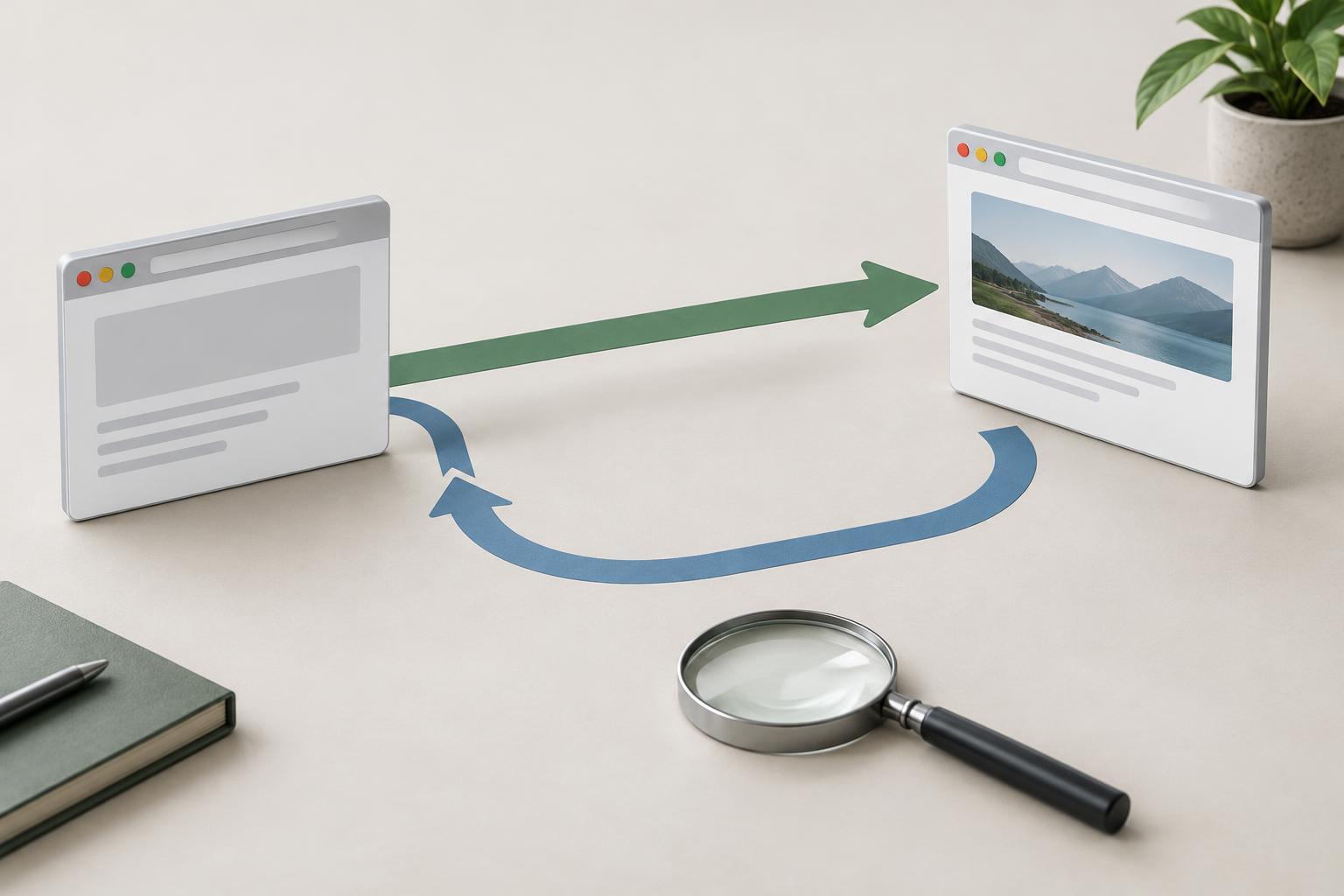
Technical SEOA 301 redirect signals a lasting move; a 302 signals a temporary one. Learn how to choose between them, where each fits in an SEO workflow, and what to check after a redirect goes live.
Read article · 3 min↗

Technical SEOWhen several URLs contain the same or very similar content, a canonical tag can indicate which version you prefer search engines to use. Learn when to add one, how to choose a destination, and how to check for conflicting signals.
Read article · 4 min↗

Technical SEOA noindex directive can keep a crawlable page out of search results without removing it from your site. Learn when it is appropriate, how to add it to HTML or non-HTML files, and how to check that search engines can see it.
Read article · 4 min↗

Technical SEOAn XML sitemap helps search engines discover the pages you want them to consider. Learn which URLs to include, how to create a sitemap, and how to check it for errors and keep it useful as your site changes.
Read article · 4 min↗

Technical SEORobots.txt tells cooperative search crawlers which URLs they should avoid fetching. Learn how the file works, where its limits lie, and how to test changes without accidentally hiding useful pages.
Read article · 4 min↗