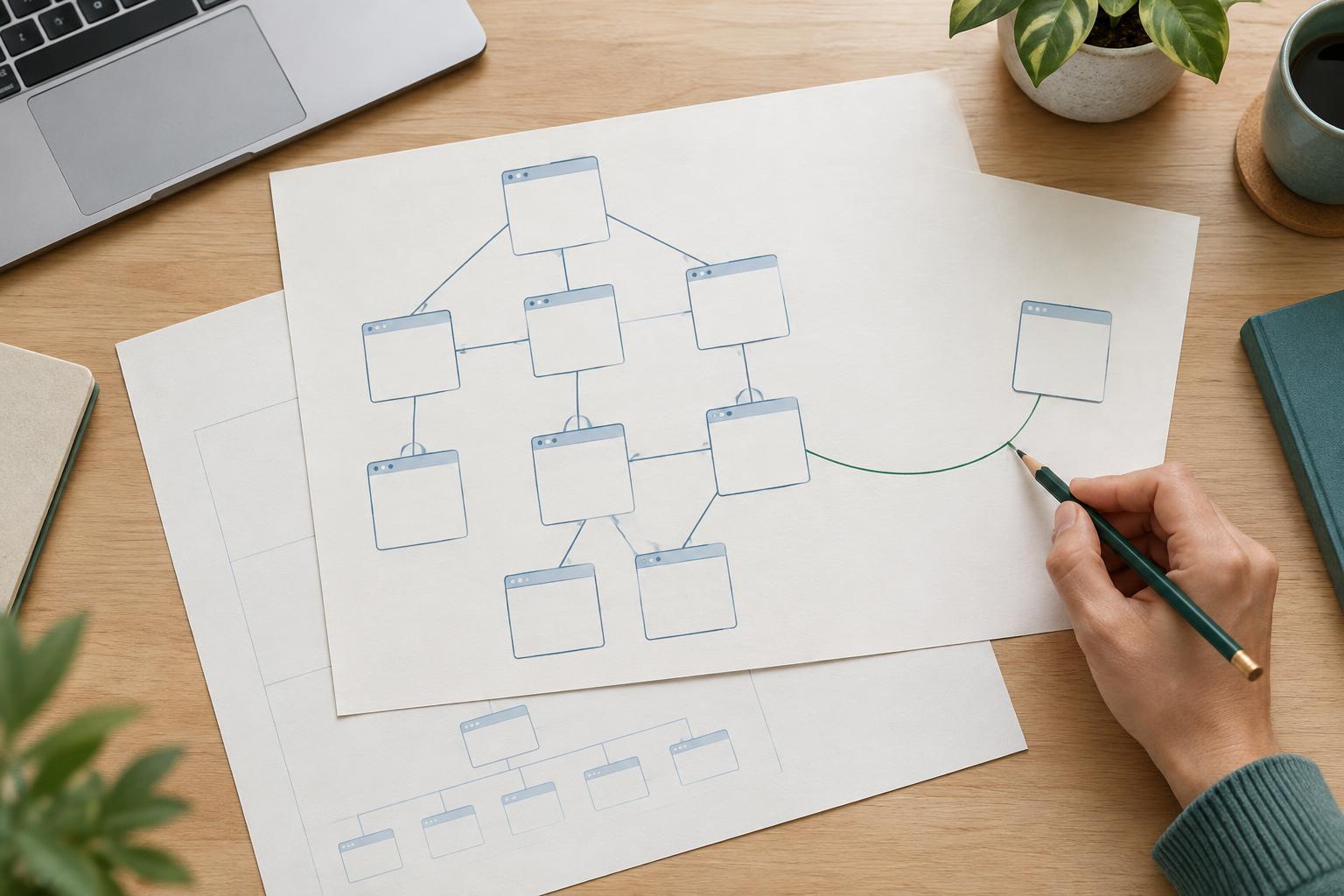
Why pagination needs attention
A category containing hundreds of items is often easier to use when it is divided into smaller pages. Pagination can also help search engines discover items that do not appear on the first page. But that only works if a crawler can find the later pages and access their content. If page two exists only after someone clicks a JavaScript control, or if every page points search engines back to page one as its canonical version, items deeper in the series may be harder to discover.
The aim is not to make every paginated URL appear in search results. It is to provide a dependable route through the collection while letting each page represent the distinct items it contains. The same principles apply to article archives, product categories, directories, and search-like listings that you deliberately make available for indexing.
Give every page a stable, crawlable route
Use a distinct URL for each page in the series, such as /guides/?page=2 and /guides/?page=3. The URL should return the corresponding set of items when opened directly, not just after a visitor has loaded page one. Keep the ordering reasonably consistent so visitors and crawlers can move through the collection without unexpectedly seeing the same items repeated across many pages. If the collection changes frequently, some movement between pages is normal.
Connect the pages with ordinary HTML links that have href destinations. A visible “Next” link and numbered page links give both visitors and crawlers a route forward; a “Previous” link helps people move back. Do not rely solely on buttons that change content without changing the URL, links whose destinations are only URL fragments, or an infinite-scroll interaction with no linked paginated alternative. JavaScript can improve the experience, but it should not be the only way to reach later pages.
Make the navigation understandable. Label page numbers clearly, indicate the current page for assistive technology, and keep the controls usable with a keyboard. Accessible navigation is good for visitors and also encourages a simple, inspectable link structure.
Let each page describe its own content
A common mistake is to place a canonical tag pointing to page one on every page in the series. If page two lists different items, it is not a duplicate of page one. In that case, use a canonical URL that matches page two itself, or omit the canonical tag if your setup does not require one. Reserve a canonical pointing to another URL for pages that truly provide substantially the same content, such as duplicate URL variations.
Avoid blocking later pages with robots.txt when search engines need to follow their item links. A robots.txt block prevents crawling and can make page-level signals difficult for a crawler to see. Likewise, do not apply noindex to later pages simply because they are paginated without considering whether that limits their value as a discovery route. Decide separately whether the listing pages should be eligible for indexing and whether their links remain accessible. Keep item links as ordinary crawlable links, and give each item its own useful destination.
Page titles and headings can identify the collection and, where helpful, the page number. They do not need elaborate variations for every page. More important is that each URL displays the items it promises, loads successfully, and does not redirect all requests back to page one.
Handle special cases without creating dead ends
Filters and sort orders can produce many URL variations of the same collection. Choose which versions are useful as browseable landing pages, then keep your internal linking and canonical choices consistent with that decision. Avoid generating endless crawlable combinations that add little distinct value. If you offer a view-all page, only treat it as the preferred version when it reliably includes the full collection and remains practical for visitors to load and use.
Do not assume that special “previous” and “next” link tags will replace visible navigation. Ordinary links between pages are the dependable foundation. For page numbers beyond the end of a collection, return an appropriate not-found response or another clear outcome rather than silently showing page one under the requested URL. That makes the series easier to understand and diagnose.
Check the route from page one to the last item
Start at the first page as a new visitor would. Follow the page links, open a later-page URL directly, and confirm that its item links lead to working item pages. Inspect the rendered page and, when possible, its HTML to verify that pagination and item links have real destinations. Check for accidental redirects, canonical tags pointing to the wrong page, noindex directives, and robots.txt rules that prevent crawling.
Then review a small sample across the series: an early page, a middle page, and the final page. Look for missing items, repeated pages, broken navigation, and URLs that change their content unexpectedly. A sitemap can help identify important item URLs, but it is not a substitute for a usable path through the collection. These checks cannot guarantee indexing or rankings; they help remove avoidable barriers so search engines and people can reach what you have published.