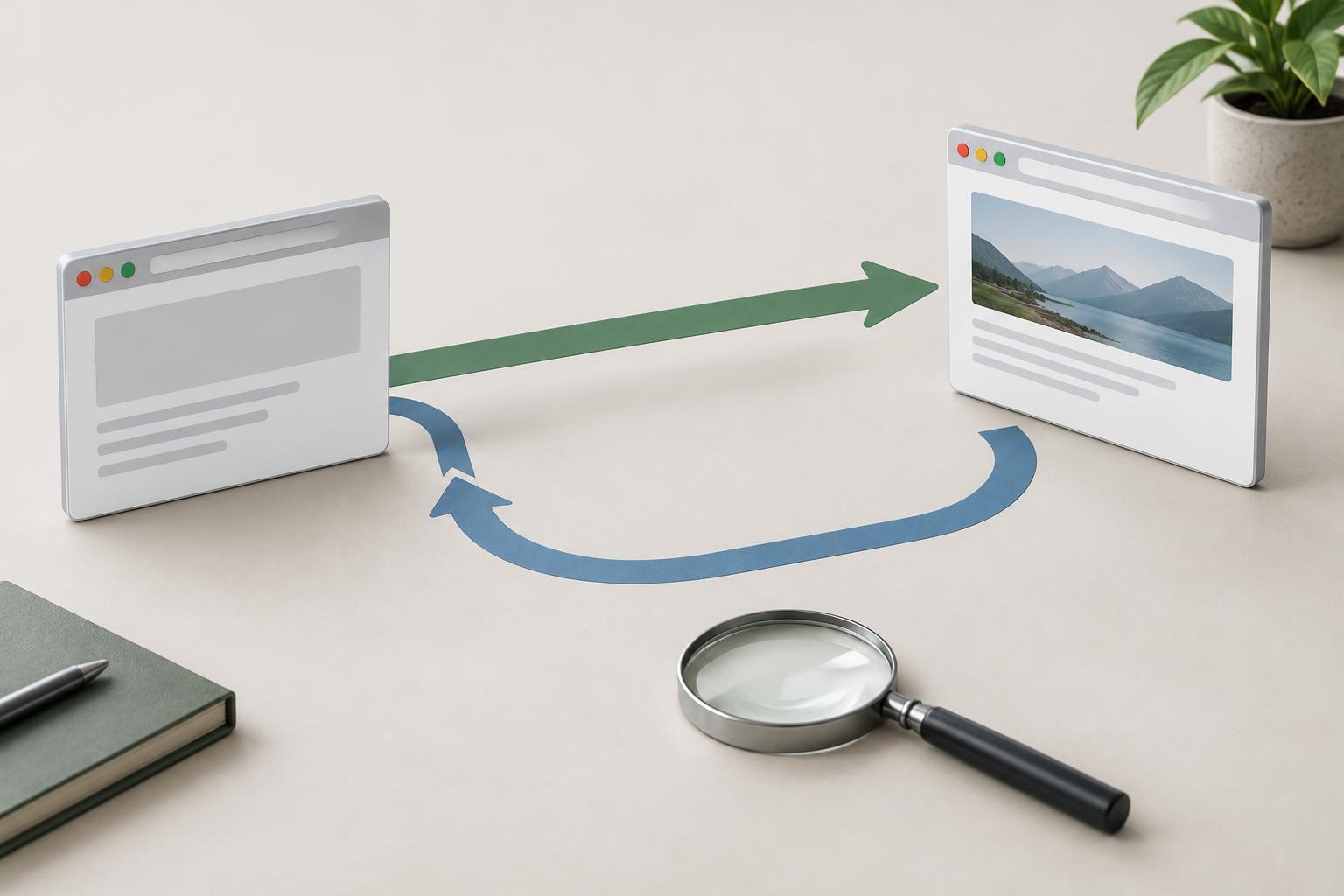
What a noindex directive does
A noindex directive asks search engines not to include a URL in their search results. It does not delete the page, prevent visitors from opening it, or keep its contents private. People with the link may still reach the URL, and other sites may still link to it. If information must be confidential, use access controls such as authentication rather than relying on noindex.
For the directive to work, a search engine generally needs to crawl the URL and read it. This is the distinction that makes noindex different from a robots.txt disallow rule. Robots.txt can discourage crawling, but a crawler blocked from fetching a page cannot see a noindex tag on that page. A blocked URL may also still be discovered through links. If your goal is to remove a page from search results, make sure the crawler can access the directive.
Decide whether noindex fits the page
Noindex can be useful for pages that serve visitors but would not make helpful search landing pages. Examples may include an internal search-results page, a temporary event-registration confirmation page, or a filtered listing that largely repeats another listing. The decision should be based on the page’s purpose, not simply on low traffic. A useful page with little traffic may need clearer content or better internal links instead.
Consider the long-term purpose of the URL before applying noindex to a whole group of pages. A filter can sometimes create a valuable, distinct category page; a tag archive can sometimes help visitors navigate. Conversely, a thank-you page may need to stay accessible after a form submission without appearing in search. Review representative URLs rather than assuming every page produced by a template deserves the same setting.
Noindex is also not a substitute for choosing a preferred URL among duplicates. If several URLs represent substantially the same useful page, consistent internal links, redirects where appropriate, or a canonical link may better express which URL should be indexed. A canonical link is a preference signal, while noindex is a request to exclude a URL. Choose based on what you want to happen to that particular page.
Add the directive where crawlers can read it
For an HTML page, place a robots meta tag in the page’s head: <meta name="robots" content="noindex">. Check the HTML that the server delivers, especially if a template or plugin adds tags automatically. A robots meta tag applies to the page containing it; adding one to a linked page does not noindex the links on that page.
For a resource without an HTML head, such as a PDF, a server can send an HTTP response header such as X-Robots-Tag: noindex. This header can also be used for HTML responses. Configure it for the intended URLs only: a broad server rule can accidentally exclude an entire section. If you use more than one method, check that templates, plugins and server settings do not create conflicting directives.
Avoid pairing noindex with a robots.txt block for the same URL when you need crawlers to detect the directive. If the page is currently blocked, you may need to allow crawling so the noindex can be read. Likewise, do not treat noindex as a way to secure a staging site. A password or other access restriction is the safer way to keep unfinished material from public view.
Verify the result and maintain it
Test a few affected URLs directly after making a change. View the delivered HTML or inspect the HTTP response headers to confirm that noindex appears on the intended page or file. Also check the response status, robots.txt rules and any redirects: testing only the URL entered in a browser can miss a directive attached to a different final URL. Repeat the test on a page that should remain indexable to catch an overly broad rule.
If you have access to a search engine’s webmaster tools, use its URL inspection features to check whether the crawler can fetch the page and detect the directive. Changes may take time to appear in search results because crawlers must revisit the URL. Keep internal navigation purposeful, and remove noindexed URLs from XML sitemaps if the sitemap is meant to list pages you want indexed.
Finally, record why a template or URL group is noindexed. When the site changes, revisit that decision. A page kept out of results today might become a useful search landing page after it gains distinct content; a new template might inherit a noindex setting unintentionally. Regular checks help ensure the directive still matches the page’s purpose.