Start with the pages people need most
Mobile testing is most useful when it reflects what visitors actually try to do. Make a short list of important pages, such as your home page, a popular article, a product or service page, a contact page, and any page with a form. Include pages built with different templates. If one article looks good on a phone, that does not necessarily mean a checkout or booking page will work as well.
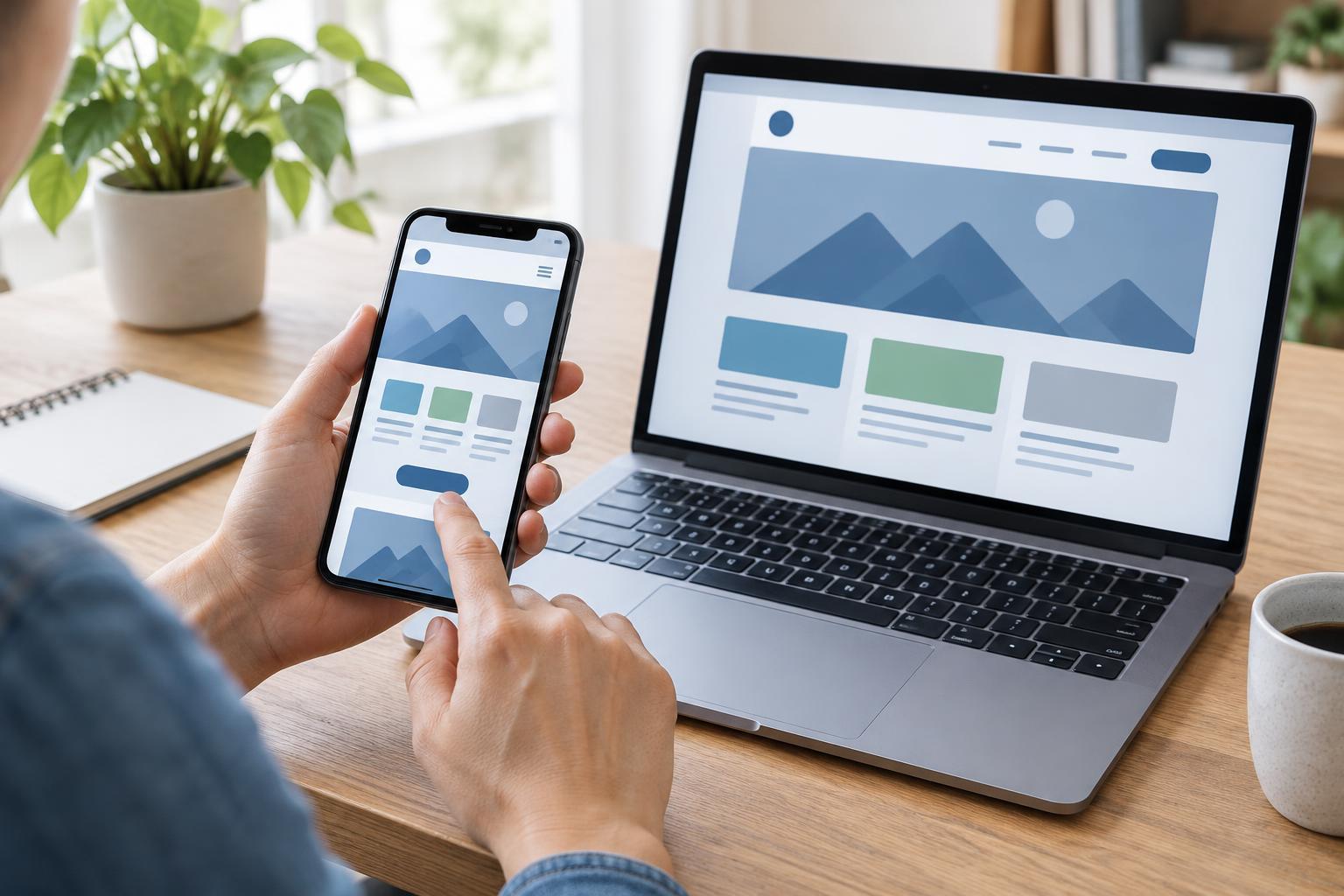
For each page, name a task before you test it: find an answer, compare options, submit a form, or contact the business. Then open the page on a phone and try to complete that task without switching to a desktop. This keeps the review focused on usability rather than appearance alone. If you can, test more than one screen size and browser; device previews are helpful, but a real phone can reveal problems with tapping, typing, and scrolling.
Inspect the layout without zooming
Begin at the top of each page and scroll slowly. Text should be readable at a comfortable size, and the main content should fit within the screen without requiring horizontal scrolling. Look for images, tables, embedded media, and long strings of text that push the layout sideways. Check whether headings make the page easy to scan and whether important information remains visible when menus, banners, or other page elements appear.
Rotate the phone and change the text size in your device settings if possible. These checks can expose layouts that only work at one width or with default settings. Pay particular attention to pop-ups and sticky elements: a small notice can occupy a large share of a phone screen. If something blocks the content or its close button is hard to reach, record the page and the conditions that caused it.
Try every important interaction
Tap the navigation menu, internal links, search box, buttons, and any expandable sections. Controls should be easy to distinguish and should respond to a deliberate tap without repeatedly opening a neighboring link. Do not assume an element works because it looks clickable. Follow the path a visitor would take, including returning to a previous page or correcting a mistake.
Forms deserve a complete test. Check that labels explain what each field needs, the keyboard does not hide the active field, and error messages say how to fix a problem. Submit a test entry only where doing so is appropriate and will not create an unwanted order or inquiry. If the task cannot be completed, note the exact step where it fails. That observation is more useful to a developer than a general report that the page is not mobile-friendly.
Check loading and technical consistency
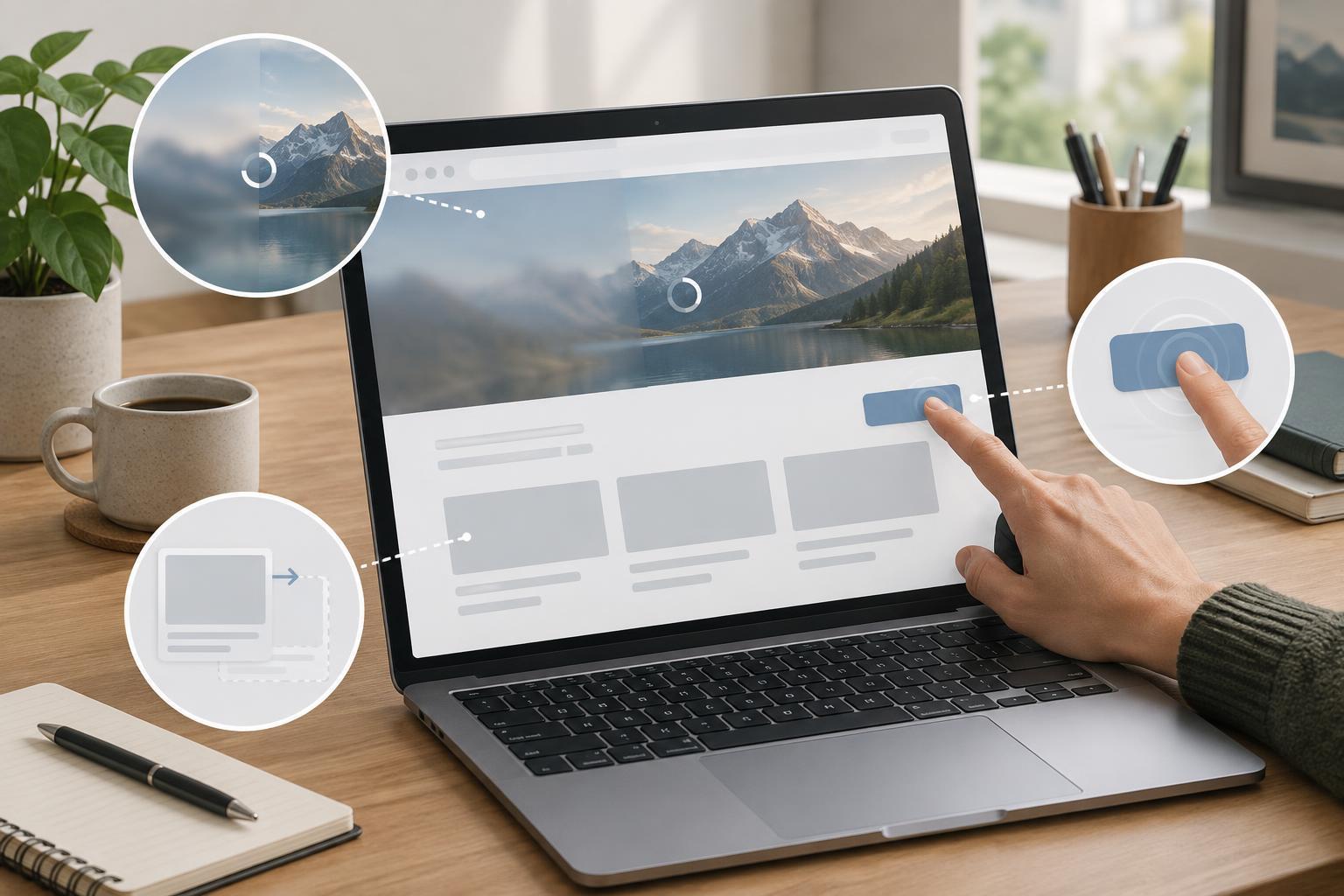
A page can fit a phone screen yet still feel difficult to use if images load late or content shifts while someone is reading. Try your key pages on a slower connection when practical. Watch for large images, video, or scripts that delay the main content, as well as banners that suddenly move buttons. Browser developer tools can help you inspect different viewport sizes and identify resources worth investigating, but use what you observe on the page to guide your priorities.
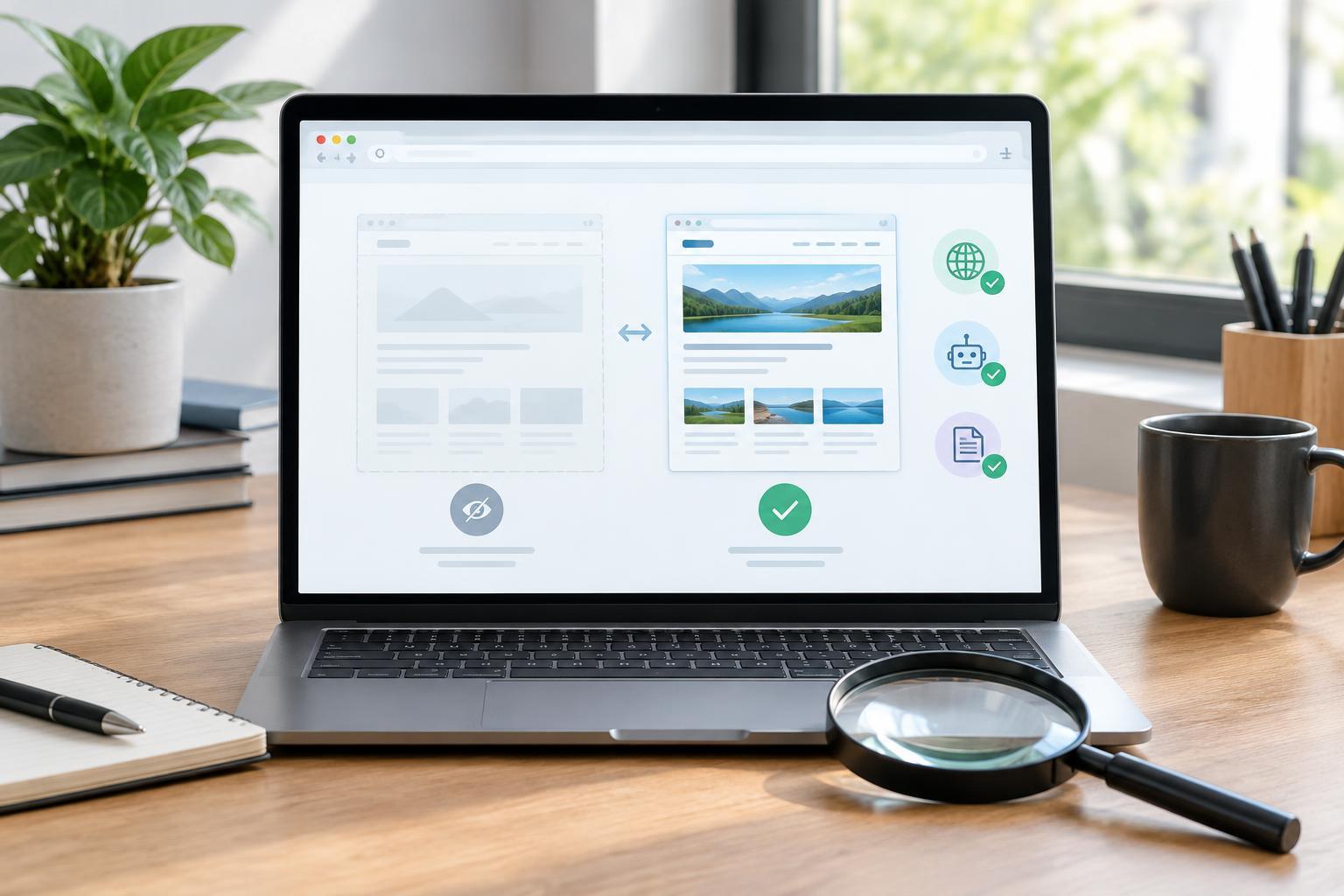
Also check that mobile visitors can reach the same essential content and links as desktop visitors. If your site serves different versions by device, compare headings, main text, images with meaningful descriptions, and navigation paths. Confirm that pages are not accidentally blocked from search crawlers and that mobile pages point to the intended page versions through their canonical settings. These checks may require access to your site configuration; if you cannot verify them, put them on a list for the person who maintains the site.
Turn observations into a fix list
Record each issue with its page address, device or viewport size, browser, steps to reproduce it, and a brief description of the effect on the visitor. A screenshot can help show where a button is hidden or a layout breaks. Group similar problems across templates so a shared fix is not treated as dozens of unrelated page edits.
Prioritize anything that prevents a key task, hides important content, or affects many pages. Then address smaller readability and polish issues. After a change, repeat the original task on a phone and check a few other pages that use the same layout. Mobile usability is not a one-time label to earn; it is a set of experiences to revisit when content, design, or site features change.