Start with the reader’s next question
Internal linking is easier to plan when you treat a group of articles as a set of connected answers, not a collection of pages that must all link to one another. Before drafting, write down the main question each article will answer and the likely follow-up questions a reader might have. A link is useful when another page answers one of those follow-ups more fully than the current page should.
For example, an introductory article about choosing website topics might briefly mention comparing search terms. It could link to a separate article that explains how to evaluate those terms. The introduction stays focused, while interested readers have a clear next step. If a proposed destination does not add useful detail or context, you do not need to link to it simply because it belongs to the same category.
Sketch the relationships before writing
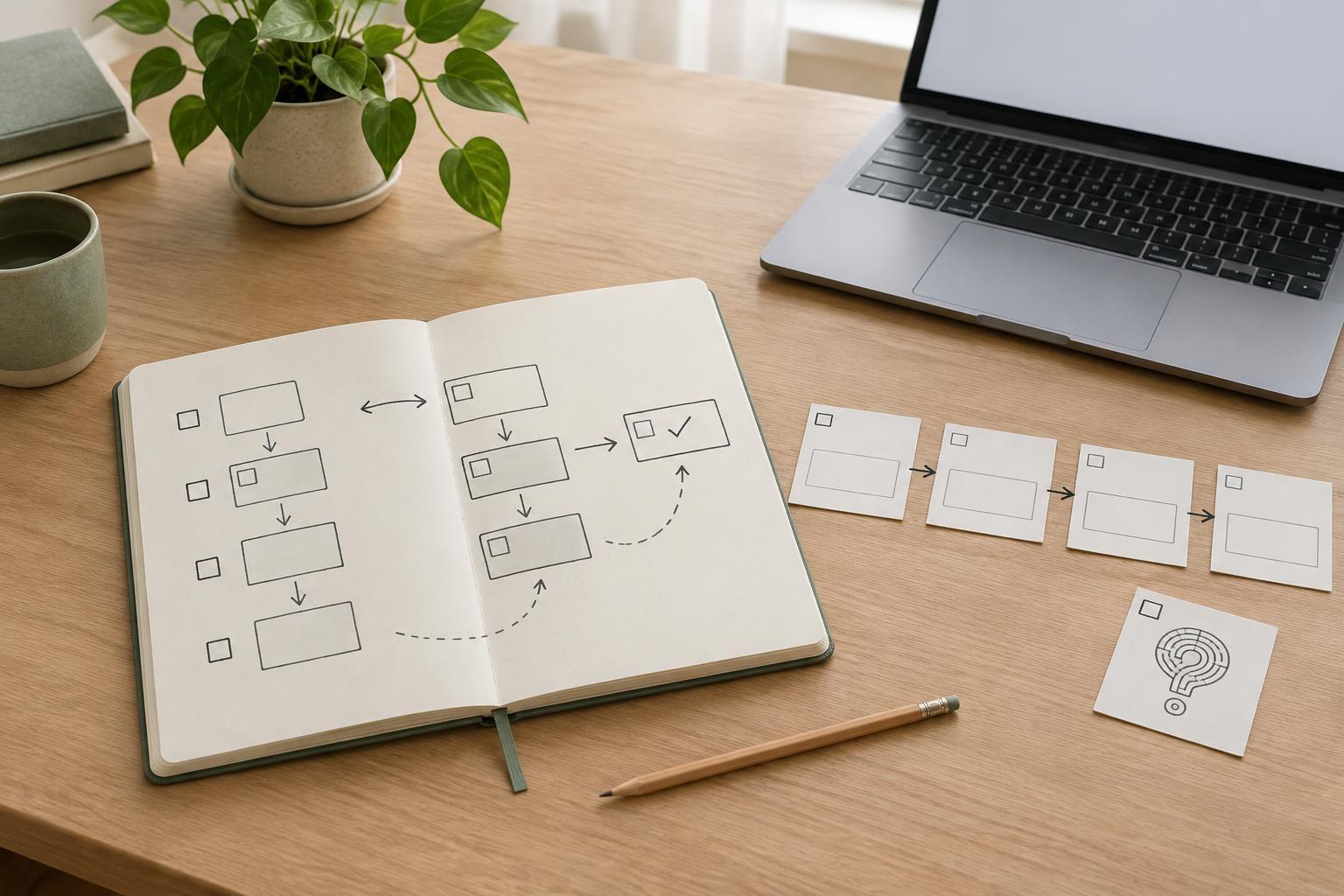
Make a simple planning list with one row for each proposed article: its working title, primary reader question, intended scope, and related pages. Mark links you expect to add from the new article as well as existing articles that may benefit from linking to it. This makes it easier to spot two drafts that cover the same ground or a useful page that has no clear path from related content.
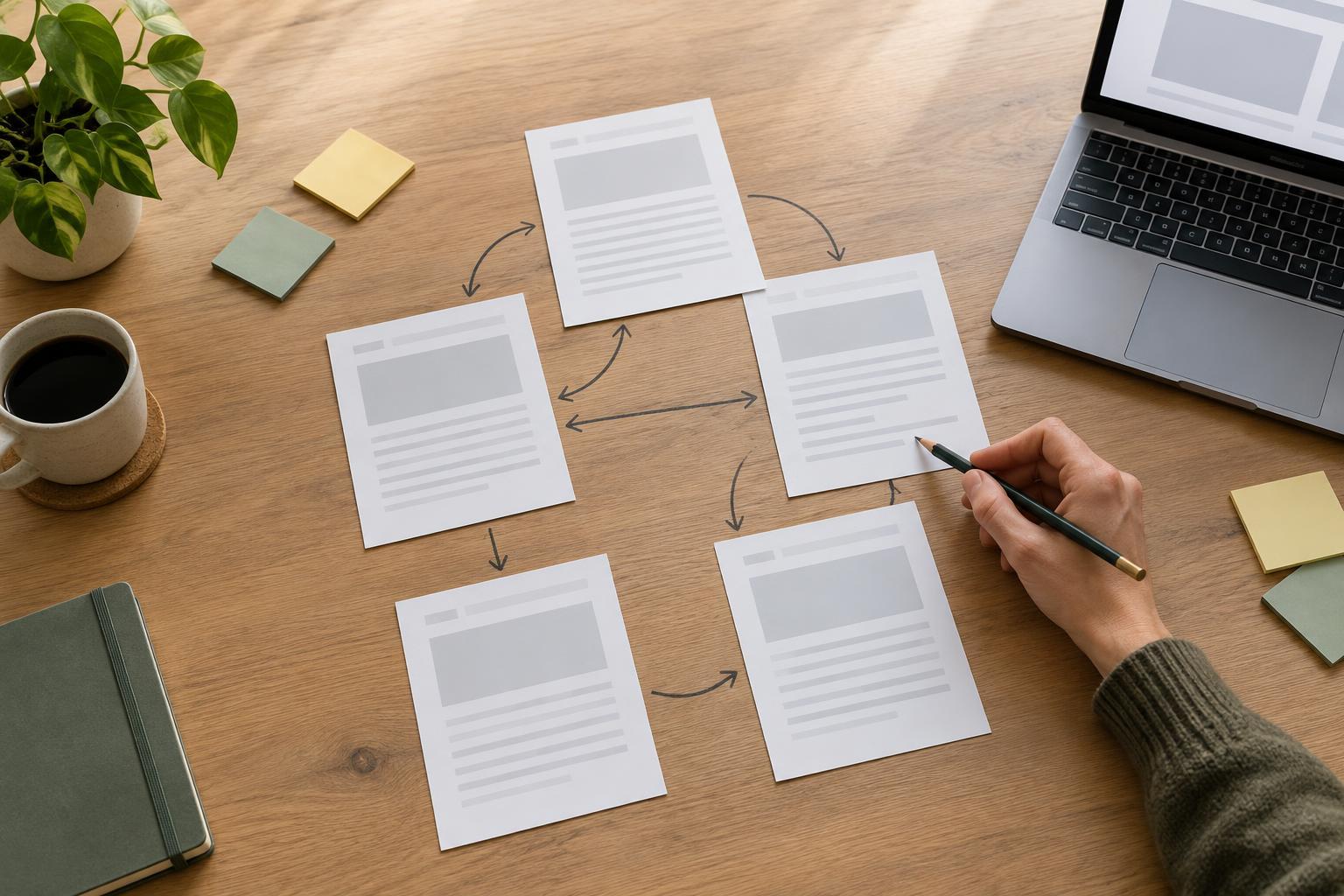
Look for a sensible shape rather than a rigid formula. A broad overview can point to narrower guides, and a narrower guide can link back to the overview when readers need context. Two detailed articles can also connect directly if one naturally builds on the other. The goal is to make relevant information findable without forcing readers through a particular sequence.
Add links where they support the explanation
While drafting, insert a link at the point where its destination becomes relevant. If a paragraph introduces a task that needs its own explanation, a short sentence can direct readers to that deeper guide. Avoid saving every link for a list at the end: an in-context link helps readers understand why they might open it. A related-reading list can still be useful when it offers a few distinct next steps.
Use descriptive link text that names the subject or task, such as “plan a keyword research worksheet,” rather than vague text such as “click here.” The surrounding sentence should read naturally even if the reader does not follow the link. Avoid repeating the same linked phrase throughout an article or linking every mention of a topic. Links should support the content, not interrupt it.
When the destination is not published yet, leave a clear note in the draft rather than linking to a temporary page. Once both articles are ready, confirm that the destination covers what the linking sentence promises. If its scope changed during editing, revise the sentence or choose another destination.
Review the paths in both directions
Before publishing, read the new article as a visitor would. For each link, ask whether its purpose is clear, whether the destination is more helpful than staying on the current page, and whether it opens a working, appropriate page. Then visit the related articles you identified in your plan. A new guide may deserve a link from an older overview or from a page where readers are likely to need its explanation.
Do not assume that every link must be reciprocal. An article about a specific step may link to a broader guide for context, while that broader guide may already point readers to a different set of essential steps. Choose each direction on its own merits. This keeps the site’s navigation useful as the collection grows.
Keep the plan useful as articles change
An internal link plan is a working aid, not a one-time publishing checklist. When you combine, rename, or substantially revise an article, revisit pages that link to it. Check that their link text and surrounding explanations still describe the destination accurately. If a page is removed, update links to point to a genuinely suitable replacement instead of sending every old link to a broad category page.
As you plan future articles, return to your list of reader questions. Gaps in the paths may reveal a topic worth explaining; crowded or repetitive paths may show that two articles need clearer boundaries. By making these checks part of drafting and editing, you can build a connected collection that helps people explore a subject without adding links merely for their own sake.