Start with the task and the reader’s starting point
A tutorial works best when it helps someone complete one recognizable task. Before outlining, write down the result the reader should have at the end. “Set up a basic content inventory” is more focused than “learn content strategy.” The narrower task makes it easier to decide what belongs in the tutorial and what needs a separate guide.
Next, describe what the reader is likely to know already. A beginner may need a brief explanation of terms that an experienced reader can skip. Avoid treating a search phrase as a complete description of the reader’s needs: two people searching for the same task may have different tools, permissions, or levels of confidence. An opening that states who the guide is for and what it covers helps both readers decide whether to continue.
List prerequisites before the first action
Prerequisites are the conditions that must be in place for the steps to work. They may include access to a website, permission to edit a page, a particular setting, or a decision about which pages to review. Put these near the beginning rather than revealing them halfway through. Separate essentials from optional conveniences so readers do not gather tools they will never use.
Make each prerequisite checkable. “Have your site ready” leaves room for confusion; “confirm that you can open and edit the page you plan to update” tells the reader what to test. If there are several ways to complete a task, state which setup the tutorial follows. You can mention alternatives briefly and link to a separate explanation when an alternative would require substantially different steps.
Turn the process into verifiable steps
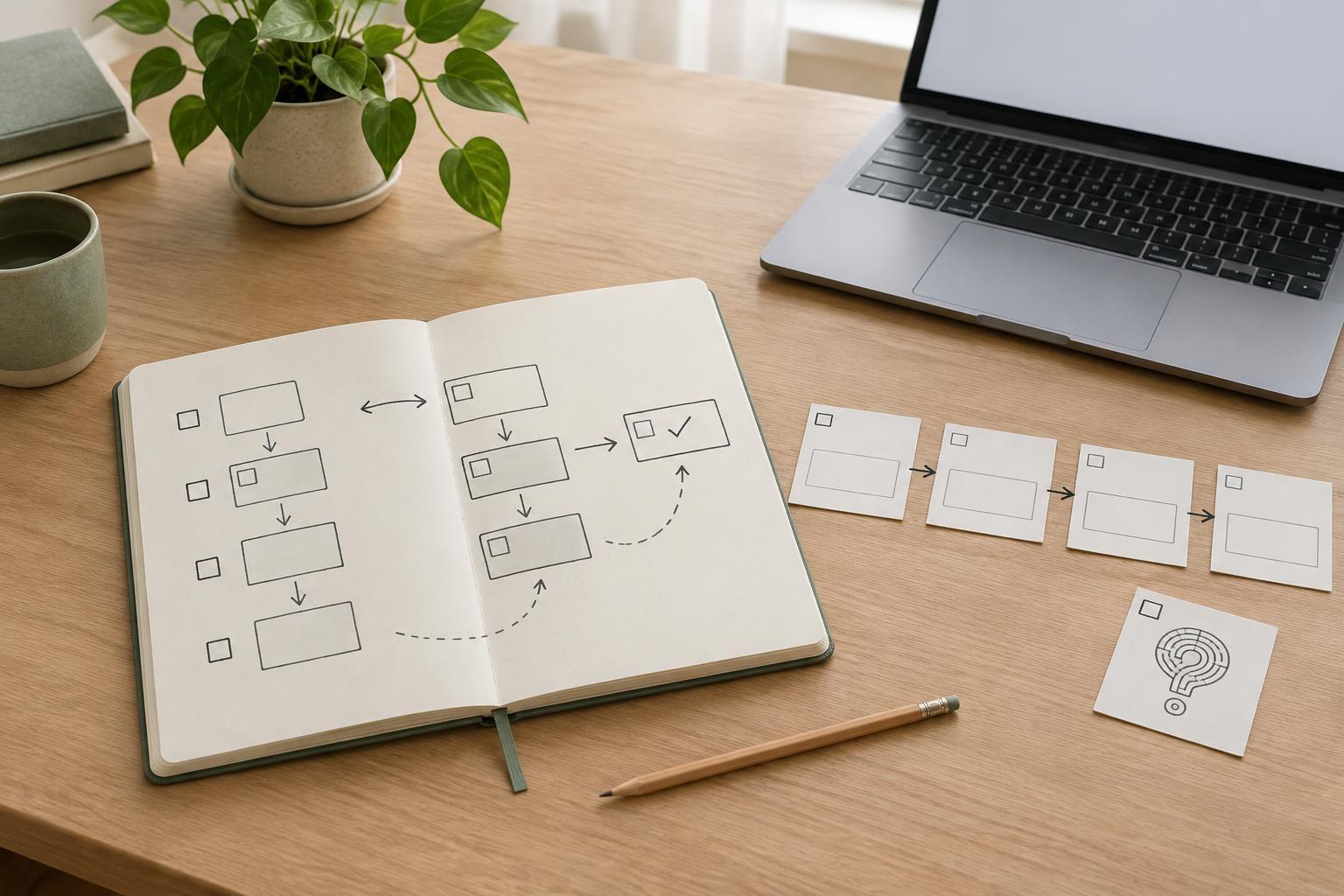
Outline the main actions in the order a reader should perform them. Give each step a clear verb and a visible outcome: choose a page, record its current title, draft a replacement, then review it in context. Do not hide important decisions inside a long paragraph of clicks. When a step requires judgment, explain the criterion the reader should use rather than supplying an answer that fits only one example.
After each meaningful stage, add a simple way to check progress. For example, a tutorial about organizing articles might ask readers to confirm that every planned article has a distinct purpose before they start drafting. These checks make the instructions easier to follow and show where a problem began. Screenshots or diagrams can help when an interface is hard to describe, but the text should still name the action and expected result so the guide remains understandable without the image.
Plan for the points where readers get stuck
Troubleshooting should address plausible failures in this specific task, not become a collection of unrelated tips. While outlining, ask what a reader might see instead of the expected result and what they can safely check next. If a step depends on editing access, for instance, explain that a missing control may mean the reader needs different permissions. Phrase uncertain causes as possibilities rather than diagnoses.
Place a short fix near the step where the issue is likely to occur. Reserve a separate troubleshooting section for problems that affect the whole process or need more explanation. Include a way to stop or reverse an action when appropriate, especially if continuing could create confusing changes. A useful troubleshooting note helps readers identify the problem, try a reasonable check, and know when the tutorial no longer covers their situation.
Review the tutorial as a complete journey
Before publishing, follow the draft from the stated starting point without relying on knowledge you left out. Check that every prerequisite supports a later step, every step moves toward the promised result, and the final check shows what completion looks like. Remove detours that answer a different question. If that question matters, it may deserve its own tutorial with a clear connection from this one.
For a website, this structure can make a tutorial easier for visitors to scan and use. Descriptive headings also help people recognize whether the page addresses their task; they are not a shortcut to rankings. Keep the title, introduction, and steps aligned so a reader arriving from search does not find a different lesson than the one promised. Revisit the guide when the process or interface you describe changes, and update instructions that no longer lead to the stated outcome.