Start with the paths visitors need
Good navigation begins with a simple question: what is someone trying to find or do here? A visitor might want to compare services, learn a concept, check a price, or contact the organization. Write down those common tasks before deciding what belongs in the main menu. This keeps the menu focused on useful destinations rather than every page the site contains.
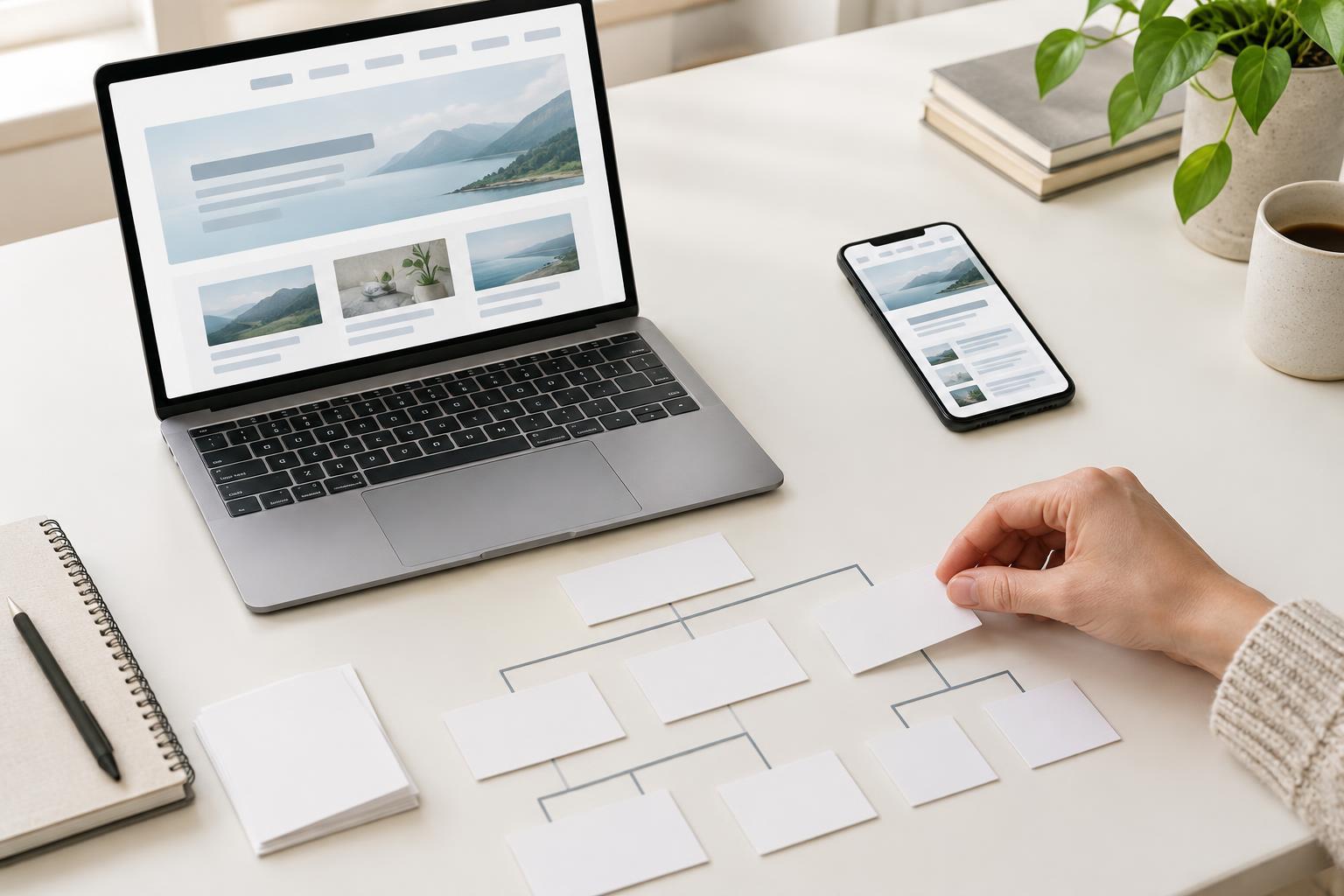
Group pages by subject and purpose. A learning site, for example, might have broad areas for fundamentals, research, content, and technical guidance. Give each important page a sensible home within that structure. Visitors should be able to predict where a topic lives, even if they have never used the site before. Search engines also follow links to discover pages, so a coherent structure can make important content easier to reach. It does not, by itself, guarantee better rankings.
Use labels that describe the destination
Menu labels work best when they say what a visitor will find after clicking. “Services,” “Pricing,” and “Contact” are often clearer than clever slogans that require interpretation. If a category covers several topics, choose a broad but meaningful label, then use its page to guide readers toward more specific material. Avoid putting nearly identical labels in the same menu unless the difference is immediately apparent.
Page titles, headings, and navigation labels do not have to match word for word, but they should set compatible expectations. A link labeled “Technical SEO Checklist” should lead to a checklist or a page that clearly provides one. Descriptive wording also gives search engines context about the linked page. Write for a person choosing a route, not for a list of keywords: repeating variations of the same phrase across a menu makes scanning harder without making the site more useful.
Keep important pages easy to reach
The main menu should point to the site’s major sections and essential task pages, not attempt to display the entire site map. From each section page, offer clear links to its key subtopics. Breadcrumbs can show where a page sits in the hierarchy and provide a route back to a broader topic. A footer can hold useful secondary links, but it should not be the only path to a page that matters to visitors.
Add contextual links where they genuinely help someone continue a task. An introductory article might link to a relevant checklist; a checklist might link to an explanation of an unfamiliar term. Use link text that names the destination instead of relying on repeated “click here” links. Not every page needs a link to every other page. A smaller set of relevant connections is easier to understand and maintain.
Make the menu usable on every screen
A clear structure can still fail if the menu is difficult to operate. Check navigation on a narrow screen as well as a desktop. People should be able to identify the menu control, open it, read the options, and follow a link without fighting cramped spacing. If a menu contains submenus, make sure their contents are accessible without requiring a precise hover movement.
Use ordinary, working links for pages you want people and search engines to reach. Do not hide essential destinations behind a search box, an interaction that does not reveal links, or a menu that fails when scripts load poorly. Clear visual focus and readable labels also help people navigating with a keyboard or assistive technology. When testing, try reaching several important pages from the homepage without using the site search. Note where you hesitate or take an unexpected turn.
Review the routes as the site grows
Navigation is not a one-time design task. New pages can create overlapping categories, outdated labels, and links that lead nowhere. Periodically review the menu and section pages from the perspective of a first-time visitor. Check that links work, that important pages have a clear path from a relevant section, and that old content points to useful newer material when appropriate.
Look at the questions visitors bring to your team, if that information is available, and compare them with the routes your site offers. If people repeatedly struggle to find a topic, the solution might be a clearer label, a better category page, or a contextual link—not another menu item. Make one understandable change at a time and check whether it improves the journey. The goal is a site where visitors can choose their next step confidently and each page has a logical place.