Give the footer a specific job
A sitewide footer appears across many pages, so even a small change can affect the experience of visitors throughout a site. Its best job is not to hold every link that did not fit elsewhere. It is to give people a dependable place to find essential information, particularly when they have reached the end of a page and are deciding what to do next.
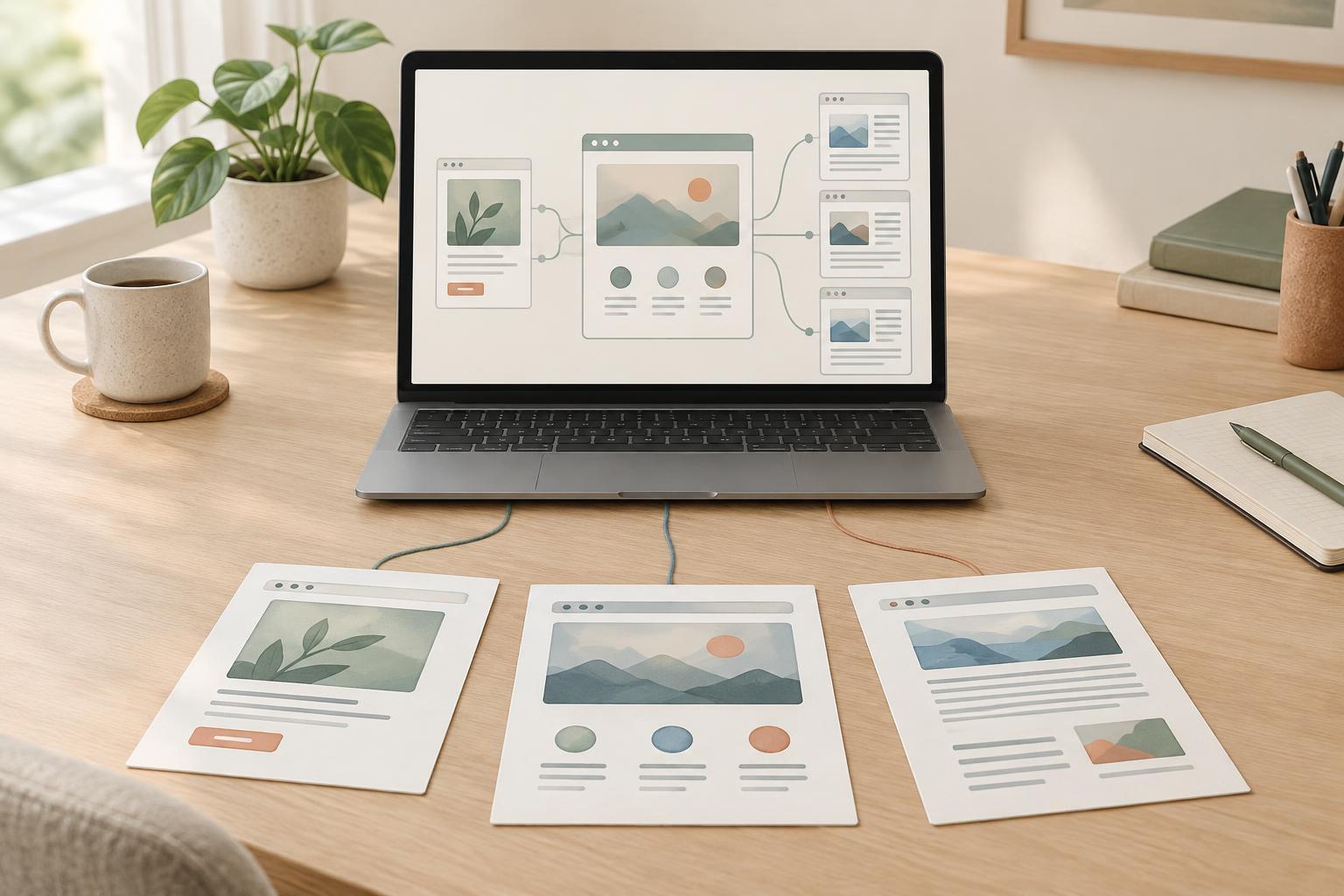
Think of the footer as a secondary route, not a replacement for clear primary navigation. Someone looking for a main service, product category, or learning topic should not have to scroll to the bottom to find it. The footer can instead reinforce a few important routes and provide access to pages such as contact information, support, accessibility information, and relevant policies. The right selection depends on what the site offers and what visitors reasonably need.
Choose links for visitors, not for volume
Start with a simple question for each proposed link: who would use this from the bottom of a typical page? A link to contact details may be useful across the site. A link to one narrowly focused article may make sense only within a related article or topic hub. If the answer changes dramatically from page to page, a sitewide link may not be the best choice.
Avoid adding dozens of variations on the same destination just to include more search terms. Repetitive links make choices harder to scan and can give visitors the impression that the footer is built for search engines rather than people. Descriptive link text is still valuable: “Beginner’s guide to keyword research” tells readers more than “Learn more.” But the label should match the destination naturally, without piling on extra phrases.
Not every important page needs a footer link. Main navigation, topic pages, related-content links, and contextual links within articles can each guide visitors at a more appropriate moment. Use the footer for destinations with broad, recurring usefulness.
Group links so the footer is easy to scan
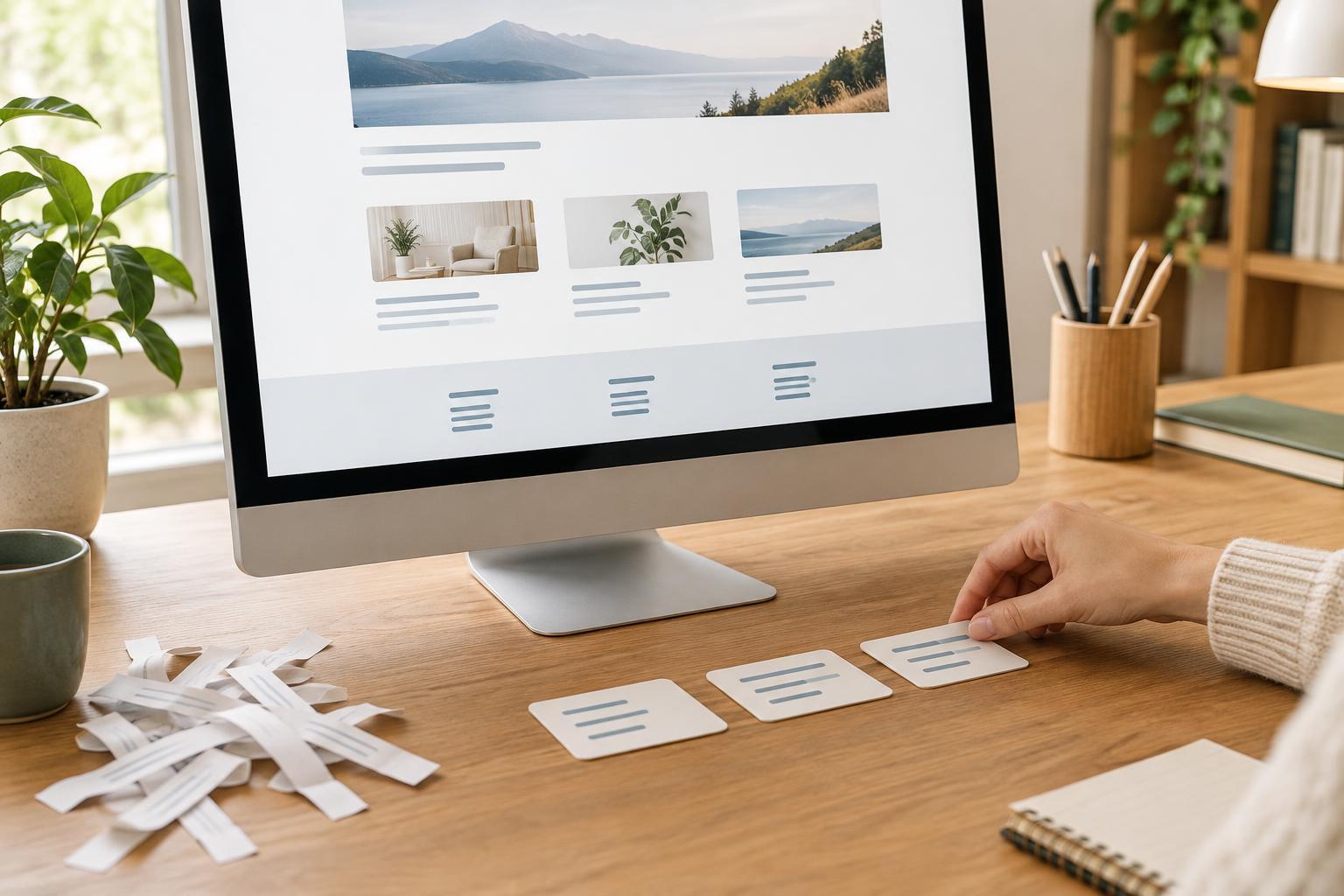
Organize links into a small number of recognizable groups, such as Explore, Help, and About. Plain headings are usually more helpful than clever ones because they let readers predict what they will find. Keep closely related destinations together, and avoid repeating the same link in several groups unless there is a strong usability reason.
The visual design matters as much as the list itself. Clear spacing, readable text, and links that are easy to distinguish help visitors use the footer on both large and small screens. Check how the layout behaves on a phone: columns that look tidy on a desktop can become a long, tiring sequence when stacked. Put the most useful groups first, and make sure link labels remain understandable without relying on their position in a column.
If the footer contains legal or account-related links, keep their labels clear. Do not bury a practical action, such as contacting support, among a long run of policy links.
Keep footer links relevant and maintainable
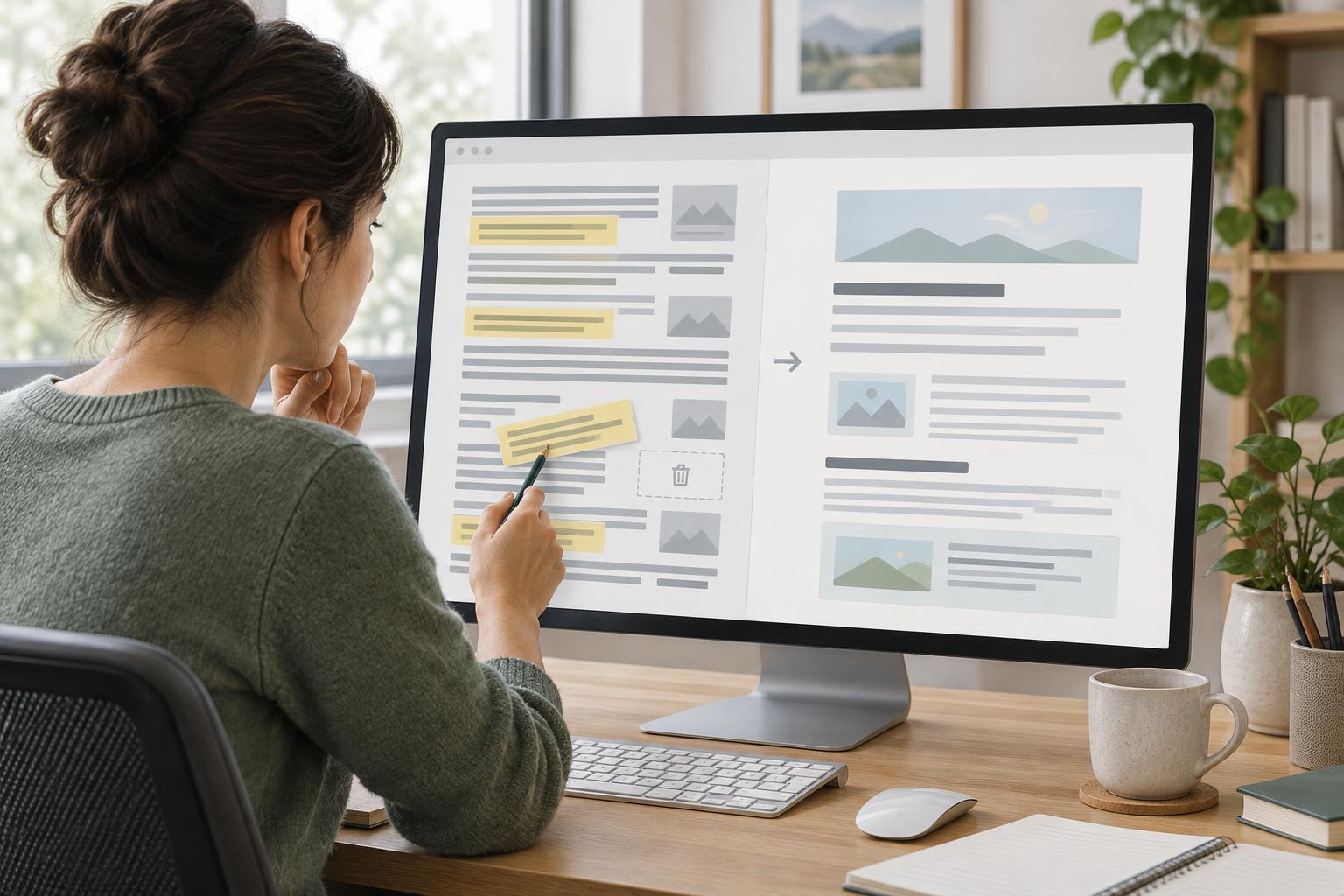
Sitewide links create a maintenance responsibility. When a destination moves, changes purpose, or disappears, the footer can send visitors toward an error or an unexpected page from anywhere on the site. Review its links when you change the site structure, retire a service, or reorganize content. Update labels when they no longer describe what a page contains.
Be cautious with large sets of location, service, or keyword-based links added only to cover possible searches. If those pages genuinely serve different visitor needs, organize them through a useful directory or category page rather than forcing every destination into the footer. That gives people a clearer way to browse while keeping the shared footer manageable.
The same principle applies to internal linking more broadly: a link is most helpful when its placement and label make sense for the person reading. A compact footer will not, by itself, solve deeper navigation or content problems, but it can avoid adding friction to them.
Review the footer with a practical checklist
Open several different page types and look at the footer as a first-time visitor would. Can you quickly identify where to get help, learn about the organization, or explore its main topics? Are any links duplicated, vague, outdated, or unexpectedly narrow? Follow the links and check that each destination matches its label. Repeat the review on a small screen and with keyboard navigation so the design does not depend on a mouse or a wide display.
If you have site search queries, support questions, or navigation feedback, use them to spot information people struggle to find. These signals may suggest a better footer link, but they may also reveal a need to improve the main menu or an individual page. Make changes for a clear visitor need, then revisit the footer as the site evolves. The goal is not the fewest links possible; it is a short, reliable set that earns its place on every page.