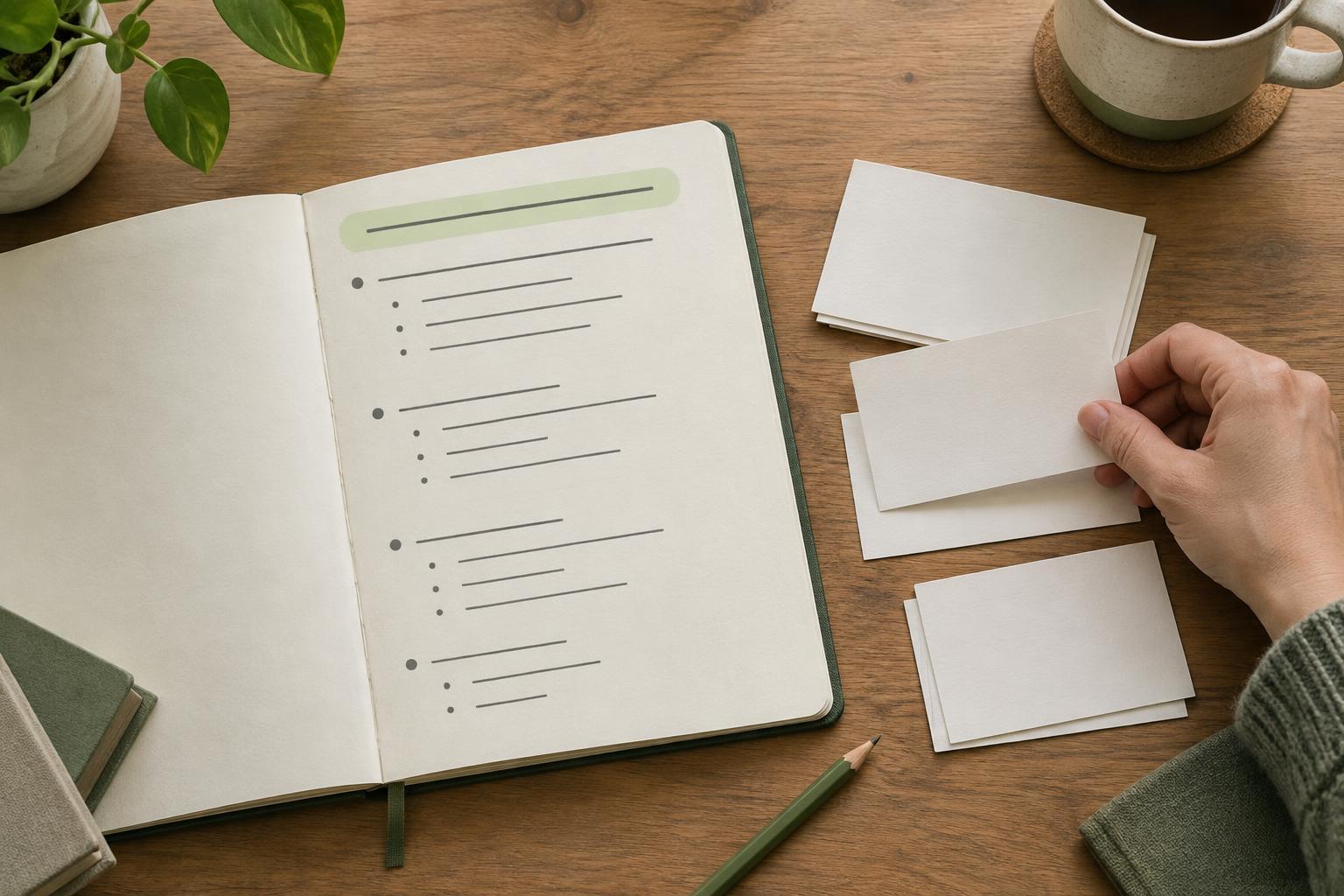
Start with the question behind the topic
An article topic is not always a question. “Article outlines,” for example, could mean a definition, a template, or a method for planning a draft. Before adding headings, decide what a reader is most likely trying to accomplish. Write that need as one plain-language question, such as “How do I outline an article so readers find the answer quickly?” The question becomes a test for every section you consider adding.
If the topic is broad, narrow it to a situation you can address well in one article. A beginner asking how to make an outline needs a different starting point from an editor revising a long guide. You can note related questions for later, but do not let them compete with the main one. A focused outline gives you room to be specific instead of covering every adjacent subject briefly.
Draft the answer before the introduction
Write a working answer in one or two sentences before you plan the rest of the page. For this topic, it might be: “Put a direct answer near the beginning, then arrange the remaining sections around what the reader needs to understand or do next.” This is not necessarily the final wording. It is a planning tool that makes gaps and detours easier to see.
The opening of the finished article can briefly establish who the advice is for, but it should not require several paragraphs of background before giving the answer. Context matters when it changes the recommendation; otherwise, move it below the direct response. Readers who need a quick answer can stop there, while those who need instructions can continue. Answering early does not mean oversimplifying: it means making the central point clear before introducing qualifications.
Build sections in the order readers need them
After the direct answer, list the steps or supporting questions a reader must work through. For a practical how-to article, a sequence might be: identify the main question, write a short answer, choose supporting sections, add examples, and review the outline. Turn those steps into descriptive headings. A heading such as “Choose supporting sections” tells the reader more than “More things to consider.”
Under each heading, note the point the section must make and any example that would clarify it. This keeps the outline from becoming a list of headings with no purpose. Ask whether each proposed section helps the reader act, understand a necessary distinction, or avoid a likely mistake. If it does none of those things, remove it or save it for another article. Frequently asked questions can be useful, but they should address genuine follow-up needs rather than repeat points already made.
Use keywords to clarify, not dictate, the outline
Search terms can reveal different ways people describe a problem. Use those terms to check whether your language matches the reader’s, not as a requirement to create a heading for every phrase. Two similar phrases may belong in one clear section. Conversely, terms that point to different tasks may signal that you are trying to write more than one article.
Prefer headings that accurately describe the content beneath them. If you promise a template, provide a usable structure. If you promise examples, show how a decision changes an outline. A simple example could compare “Introduction, Benefits, Tips, Conclusion” with “Direct answer, Steps to create the outline, Example outline, Final review.” The second version gives a writer and reader a clearer path. Neither keywords nor headings should make a page sound more comprehensive than it is.
Review the outline from the reader’s point of view
Before drafting, read only the title, opening answer, and headings. Can someone tell what question the article answers and where to find the next useful detail? Check whether any section appears before the answer only because it feels traditional, such as a lengthy history or general definition. Move it, shorten it, or cut it if the reader does not need it first.
Then look for missing support. A direct answer may need a short example, a caveat about when the approach changes, or a next step the reader can take. Keep those additions close to the point they explain. After publication, you can use feedback and available site measurements to look for pages that may need clearer openings or better section labels. Those signals do not prove what every visitor wanted, so treat them as prompts to review the page rather than automatic instructions to rewrite it.